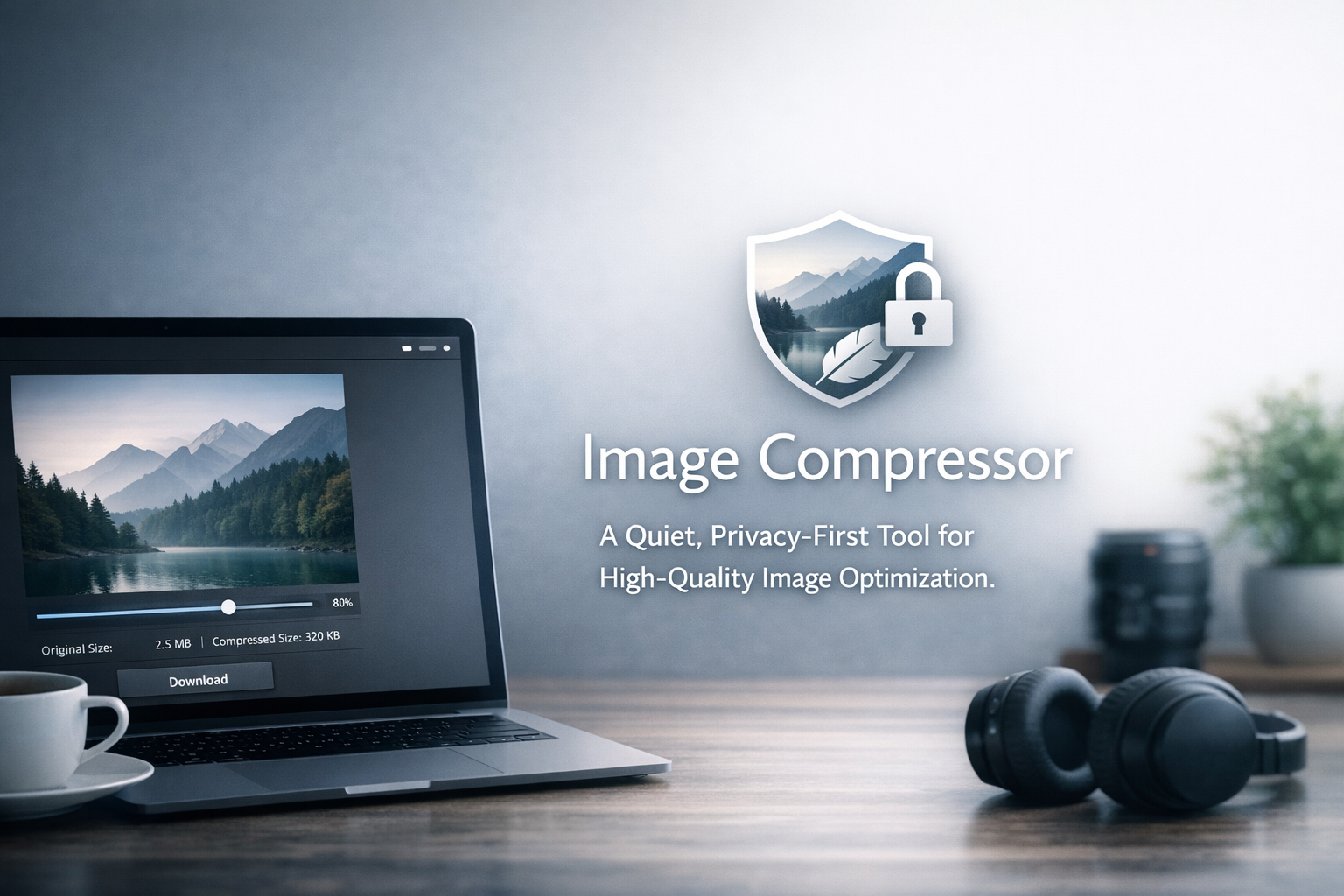
A lightweight, browser‑based image compression tool designed for creators, developers, and everyday users who value speed, privacy, and a distraction‑free workflow. This article explains how the tool works, why it matters, and how it compares with other popular image compressors.
About Image Compressor
Image Compressor provides a calm, minimal, and privacy‑focused environment for optimizing images. All processing happens directly in your browser, ensuring that your files never leave your device.
Key Strengths
- Offline processing: All compression is handled locally in the browser.
- Quality slider: Fine‑tune compression from 0–100.
- Supported formats: JPEG, PNG, WebP.
- Minimal UI: No ads, no clutter, no distractions.
- PWA support: Works like a native app on any device.
Practical Use Cases and Long‑Tail Scenarios
Image Compressor supports a wide range of real‑world workflows that creators and developers encounter daily. These scenarios naturally capture long‑tail search queries and demonstrate the tool’s practical value.
- Preparing images for OGP and social media cards (Twitter, Facebook, LinkedIn)
- Compressing banner graphics for landing pages or ad creatives
- Optimizing product photos for e‑commerce listings
- Reducing image size before embedding in blog posts or documentation
- Compressing screenshots for app stores or UI case studies
- Preparing assets for lightweight PWAs and mobile‑first websites
- Optimizing images for email newsletters to reduce load time
How to Use Image Compressor
The interface is simple by design, but a clear step‑by‑step guide helps users feel confident about how the compression process works and ensures they get the best results from the tool.
- Upload or drag‑and‑drop your image into the dropzone.
- Adjust the quality slider to set your preferred compression level.
- Preview the estimated file size reduction.
- Download the optimized image instantly—no server processing involved.
Benefits of Browser‑Based Compression
Unlike server‑based compressors, Image Compressor processes all data locally. This ensures:
- Privacy: Your images never leave your device.
- Speed: No upload or download delays.
- Reliability: Works even without an internet connection.
- Consistency: Compression results are predictable and stable.
Comparison with Other Tools
Below is a comparison with popular image compression tools, highlighting differences in privacy, usability, and performance.
| Tool | Quality Control | Formats | Offline | UI Style |
|---|---|---|---|---|
| Image Compressor | Manual slider (0–100) | JPEG / PNG / WebP | Yes (browser‑only) | Quiet / Minimal |
| CompressJPEG | Automatic only | JPEG | No | Ad‑heavy |
| TinyPNG | Automatic (high quality) | PNG / JPEG | No | Simple |
| Squoosh | Manual (advanced) | Many formats | Yes | Technical |
Frequently Asked Questions
Does the tool reduce image quality?
Only if you choose to. The quality slider allows full control, from near‑lossless high quality to aggressive compression for minimal file size.
Is it safe to compress sensitive images?
Yes. All processing happens inside your browser. No files are uploaded or stored anywhere.
Which formats are supported?
JPEG, PNG, and WebP are fully supported. Additional formats may be added in future updates.
Can I use it for commercial projects?
Absolutely. The tool is designed for creators, developers, and businesses who need a reliable, privacy‑first workflow.
Conclusion
Image Compressor is a quiet, efficient, and privacy‑focused solution for anyone who needs reliable image optimization. Try it here: Image Compressor