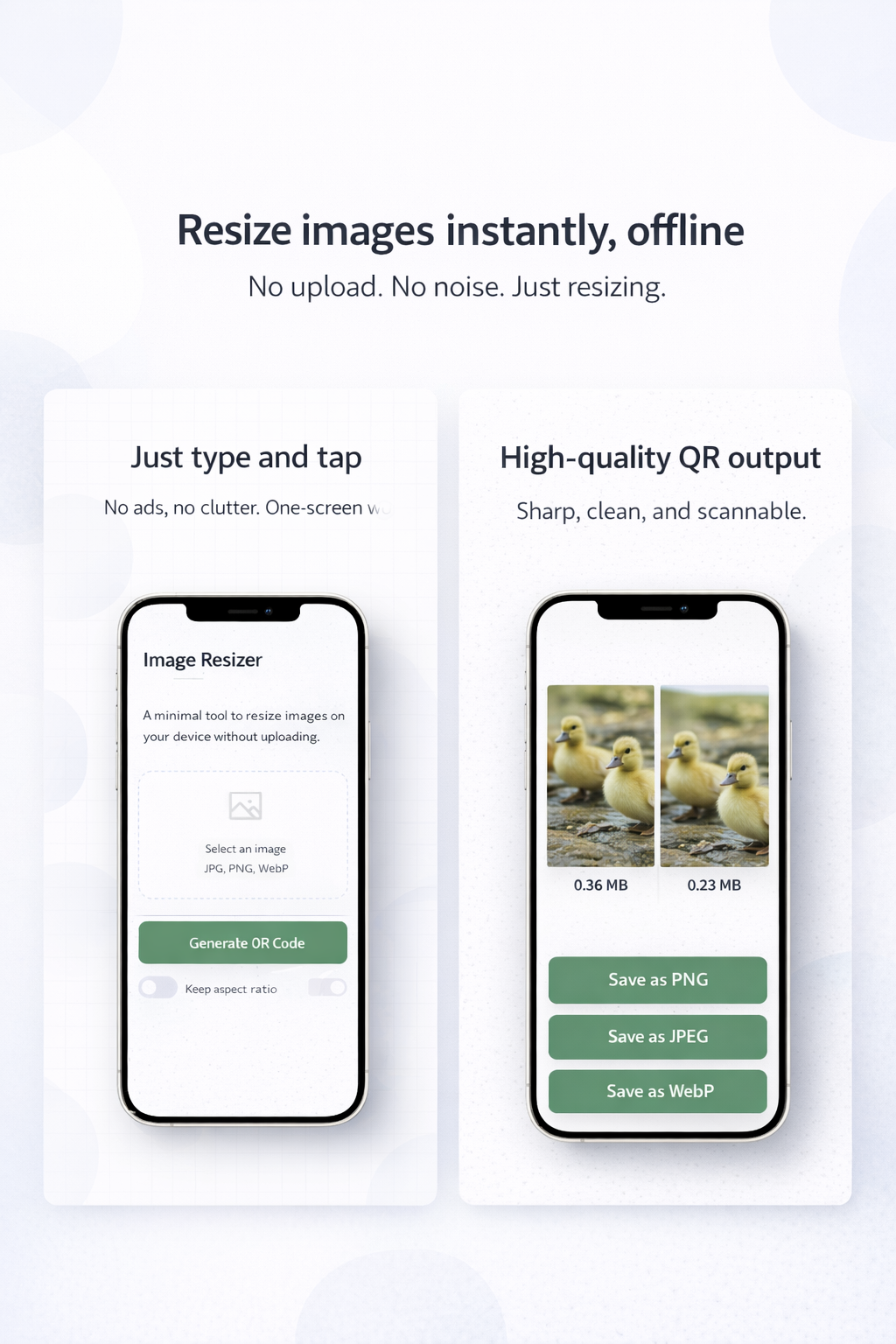
Image Resizer | Private & Fast Image Processing
"I want to resize images for my blog, but I don't want to upload my photos to the internet." This tool solves that. Process your images 100% within your browser, ensuring total privacy for sensitive or personal photos.
Comparison
| Feature | Standard Online Resizers | This Tool (100% Local) |
|---|---|---|
| Privacy | Upload to Server | No Upload / Browser-only |
| Speed | Depends on Network | Instant / Offline Ready |
| Security | Data Leak Risks | Zero Risk (Stays on Device) |
🚀 How to Use
- Select: Drag and drop the images you want to resize.
- Setting: Specify the Width or Height.
- Save: Download the resized images and you're done.
💡 Technical Features
By using the Canvas API to process images directly in the browser, it enables high-speed resizing while minimizing quality loss.- Q. Can I resize multiple images at once?
- A. Yes, you can drag and drop multiple images for batch processing.